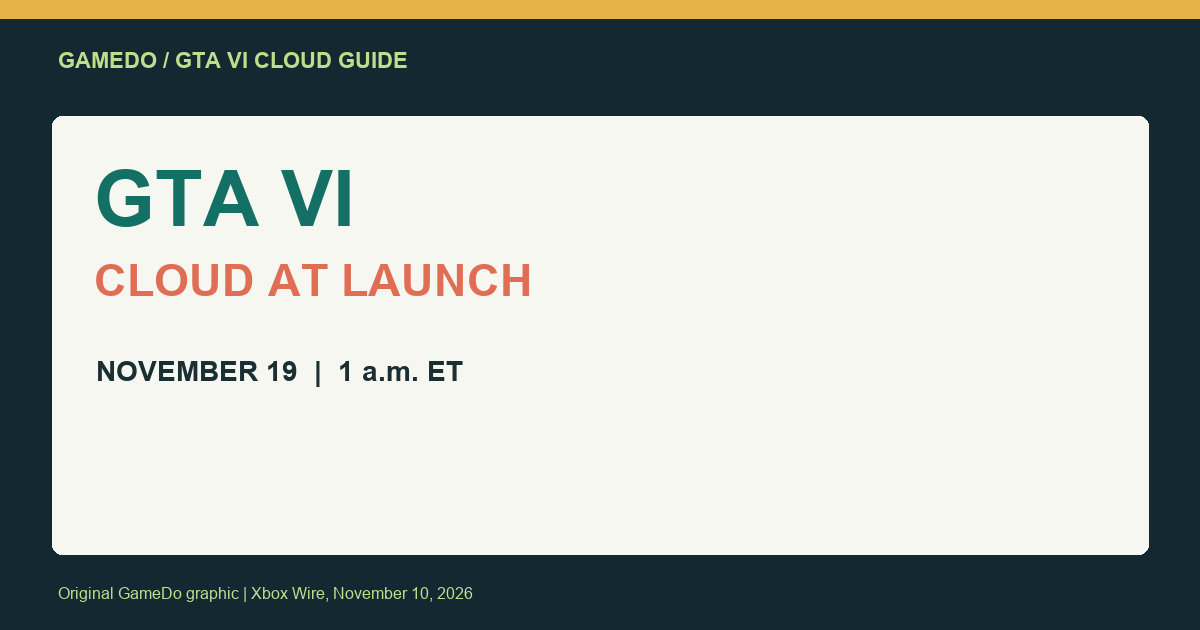
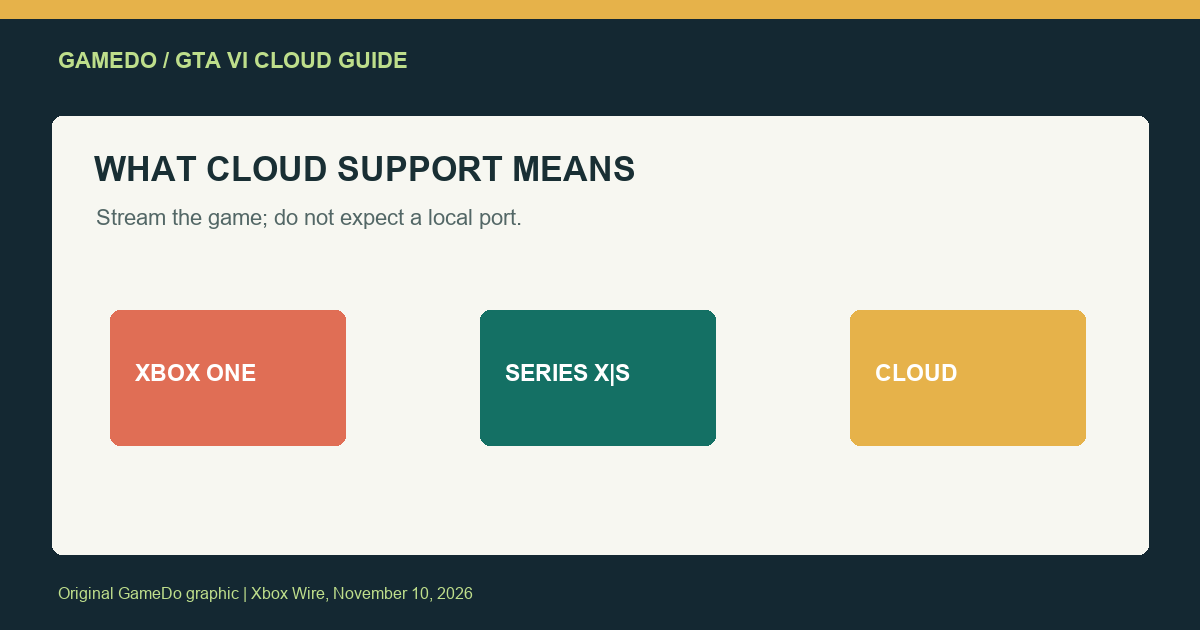
Grand Theft Auto VI is scheduled to arrive on Xbox Cloud Gaming at launch on November 19, 2026, at 1 a.m. ET, according to an Xbox Wire announcement published November 10. The announcement says the stream will be available on Xbox One and Xbox Series X|S through Xbox Cloud Gaming. That is a cloud-access option, not confirmation of a native Xbox One version or a local install on older hardware.
For U.S. players, the practical questions are whether your account and device are eligible, whether your connection can sustain a demanding stream, and whether cloud play fits how you want to experience a large open-world game. This guide separates the confirmed details from assumptions and offers a checklist to run before launch night.
What Xbox confirmed
Xbox Wire says Grand Theft Auto VI will be available through Xbox Cloud Gaming starting November 19 at 1 a.m. ET. The post identifies Xbox One and Xbox Series X|S as devices through which players can stream the game. It describes GTA VI as the most pre-ordered title of all time on the Microsoft Store and says cloud availability is intended to help players access the game despite unprecedented demand.
The important distinction is how the game runs. Cloud gaming streams a game running on remote hardware to a supported device. It does not mean the Xbox One downloads and runs the full game locally. Nor does the announcement say that every television, browser, phone, or headset will be supported. Device support and subscription eligibility remain subject to Xbox Cloud Gaming requirements.
What the November 19 time means
The stated launch time is 1 a.m. Eastern Time. On November 19, 2026, U.S. daylight saving time is in effect, so Eastern Time is EDT; that corresponds to 10 p.m. Pacific Time on November 18. If you are planning a session on the West Coast, the local date is still November 18 at 10 p.m. PT. Players in other time zones should convert the official time rather than relying on a store countdown that may use a different locale.
Launch windows can still be affected by account entitlements, app updates, regional service availability, and server demand. Treat the announced time as the planned availability time, not a guarantee that every user will immediately enter the game with no queue or technical delay.
Check access before launch night
Cloud gaming is not simply a matter of owning a compatible screen. Confirm the current Xbox Cloud Gaming requirements for your account, country, device, browser or app, and any subscription or purchase entitlement that applies to this game. The November 10 announcement does not enumerate every eligibility detail, so use the current Xbox support and product pages for the final checklist.
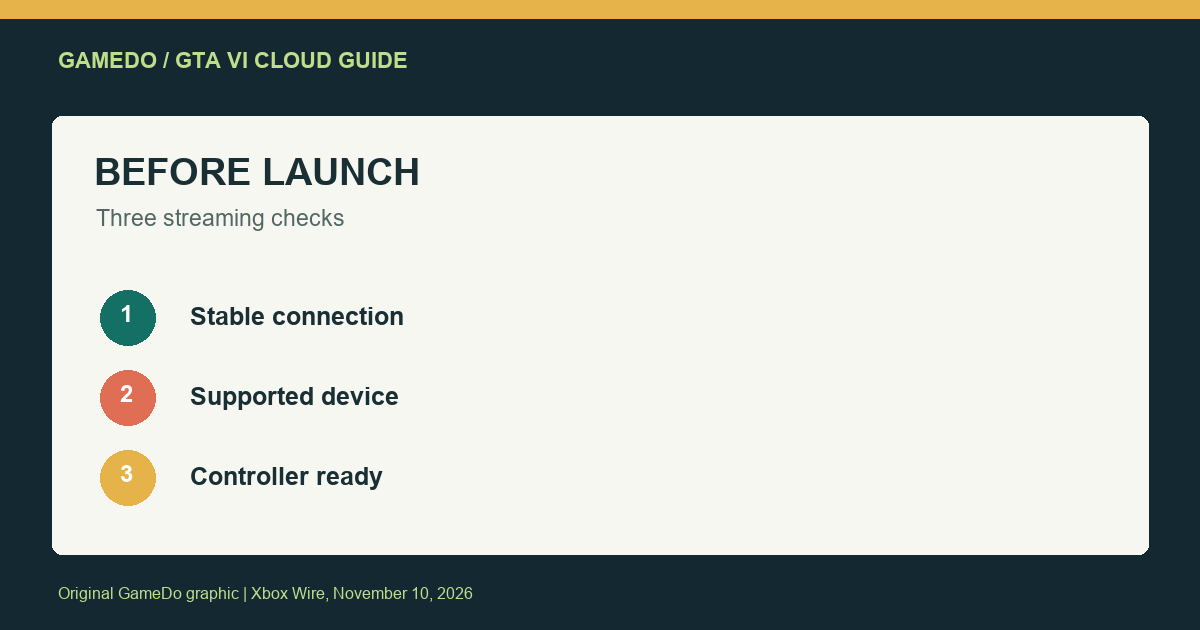
- Confirm your device is supported. Xbox One and Xbox Series X|S are named in the announcement, but the exact cloud app and access method still depend on current platform support.
- Update the app or browser. Install official updates ahead of time so the first launch is not delayed by a large client update.
- Check the account that owns or can access the game. Make sure you are signed into the intended Xbox profile and understand the applicable purchase or subscription terms.
- Test the connection. Run a cloud gaming session on the same network and device you plan to use, preferably at the time of day you expect to play.
- Prepare a controller. Pair and test it before launch. A stable controller connection matters as much as a fast-looking network speed test.
Network quality matters more than a headline speed number
A cloud session depends on more than the maximum download speed advertised by an internet plan. Latency, packet loss, Wi-Fi interference, congestion, and the route between your home and the streaming service all affect how responsive the game feels. A wired Ethernet connection can reduce some local wireless problems. If you use Wi-Fi, a strong signal and a less congested band can help, but neither guarantees a flawless stream.
Test from the room where you intend to play. A speed test near the router may look excellent while the console or TV receives a weaker signal through walls. Pause large downloads and uploads on other household devices during your test. If the stream becomes unstable at busy hours, compare a wired connection or another supported network before blaming the game itself.
Cloud play also differs from a local installation in image quality and responsiveness. Compression can soften detail, and input has to travel to the service and back. Whether that is acceptable is personal and depends on your display, network, and sensitivity to latency. If you are choosing between cloud access and a local Series X|S version, test cloud gaming with another title first to understand how your setup feels.
Is cloud gaming a substitute for a local version?
For some players, streaming can be a practical way to play on a device they already own. It can avoid downloading a large game locally and may offer access through an older Xbox One. That convenience comes with dependence on a stable internet connection and the availability of the streaming service. A local copy can work without continuous streaming bandwidth once installed, while cloud access can reduce storage needs but may introduce latency or image-compression tradeoffs.
Do not assume cloud access includes a particular purchase, subscription, or permanent entitlement. Check the Xbox store listing and service terms for how GTA VI access is provided, whether a separate purchase is required, and what happens if a subscription changes. The announcement confirms the cloud launch plan, but it does not provide every commercial term in the short post.
Also avoid interpreting “comes to Xbox One through Xbox Cloud Gaming” as a native Xbox One port. The distinction affects performance expectations, offline play, saved data, and how the game uses the device. The Xbox One is the streaming client in this announcement; the game itself runs remotely.
Plan for launch-day demand
GTA VI is expected to draw substantial attention. Even when a service is designed to scale, a popular launch can bring queues, temporary account issues, or uneven performance. If you have a specific first-night plan, allow time for sign-in and troubleshooting. Keep the official Xbox status page and support channels available rather than repeatedly reinstalling apps without evidence that the client is broken.
Save your account credentials securely and avoid sharing verification codes. Do not use unofficial “early access” streams or downloads that claim to unlock the game ahead of the official launch. Such links can compromise accounts or install unwanted software. Use the Xbox app, console interface, and official store pages to confirm availability.
Who benefits most from the cloud option?
- Xbox One owners who want to stream rather than wait for or buy newer hardware, provided their account and device meet current requirements.
- Series X|S players who value the flexibility of streaming or want to compare the cloud experience with local play.
- Players with limited console storage who prefer not to install a large title locally, while accepting the network tradeoff.
- Players with unstable or data-capped connections may prefer a local option if available, because cloud streaming continuously uses network data and depends on connection quality.
Bottom line
Xbox Wire’s November 10 announcement says GTA VI will be playable through Xbox Cloud Gaming on Xbox One and Xbox Series X|S beginning November 19 at 1 a.m. ET. The key point is that this is streaming access, not a native Xbox One version. Before launch, confirm the current entitlement and supported-device rules, update the official app, test your connection in the room where you play, and pair your controller.
If your network is stable and you are comfortable with streaming latency, cloud access may provide a useful way to play without running the game locally. If image quality, responsiveness, or offline access is critical, compare the cloud option with a local Series X|S setup and decide based on your own connection rather than assuming the two experiences are identical.
Facts checked against Xbox Wire’s November 10, 2026 announcement. Access requirements and service availability may vary by account, region, device, and current Xbox terms.
Source
- Xbox Wire: Grand Theft Auto VI Comes to Xbox One and Xbox Series X|S Through Xbox Cloud Gaming on November 19 (November 10, 2026).
Data use and home-network planning
Streaming a large game can consume meaningful bandwidth over a long session. The announcement does not publish a GTA VI-specific data-use estimate, so avoid relying on a number from another game or a different streaming resolution. If your home internet plan has a monthly data cap, check your provider’s usage tools during a shorter test session and estimate from your own connection. Households with several people streaming video, attending video calls, or downloading games at once may see the biggest impact from congestion.
If possible, schedule a short test while other devices are using the network normally. A test performed when the house is empty may not reflect launch-night conditions. You can improve consistency by connecting the Xbox directly to the router, reducing competing downloads, and placing Wi-Fi equipment in an open central location. These steps do not change the cloud service itself, but they can help isolate local network problems.
What to do if the stream does not start
First verify that the game is available for your account and region at that moment. Then check Xbox service status, confirm the device is supported, and restart the official app once. If the game launches but the stream is unresponsive, compare another cloud title on the same device. If multiple titles have the same problem, the cause may be your network or a broader service issue rather than GTA VI specifically.
When contacting support, include your console or device model, app version, approximate time and time zone, connection type, and the exact message you saw. Do not post account email addresses, passwords, payment details, or verification codes in public forums. A concise report with reproducible details is more useful than repeatedly changing network settings without recording what changed.
Streaming versus downloading: choose by the session
Cloud play can be convenient for a short session or for trying the game on a device that cannot run it locally. A local installation may be preferable for long sessions, travel without dependable internet, or players who are especially sensitive to input delay. You do not have to make one choice for every situation: use the supported option that fits the device and connection available at the time, while checking whether save progress is shared as described by Xbox.
Do not assume cross-save or cross-progression details from the existence of cloud streaming. Cloud gaming typically provides a streamed session, but account saves and progression behavior are governed by the game and platform services. Check the official game information for those specifics before planning to switch between devices.