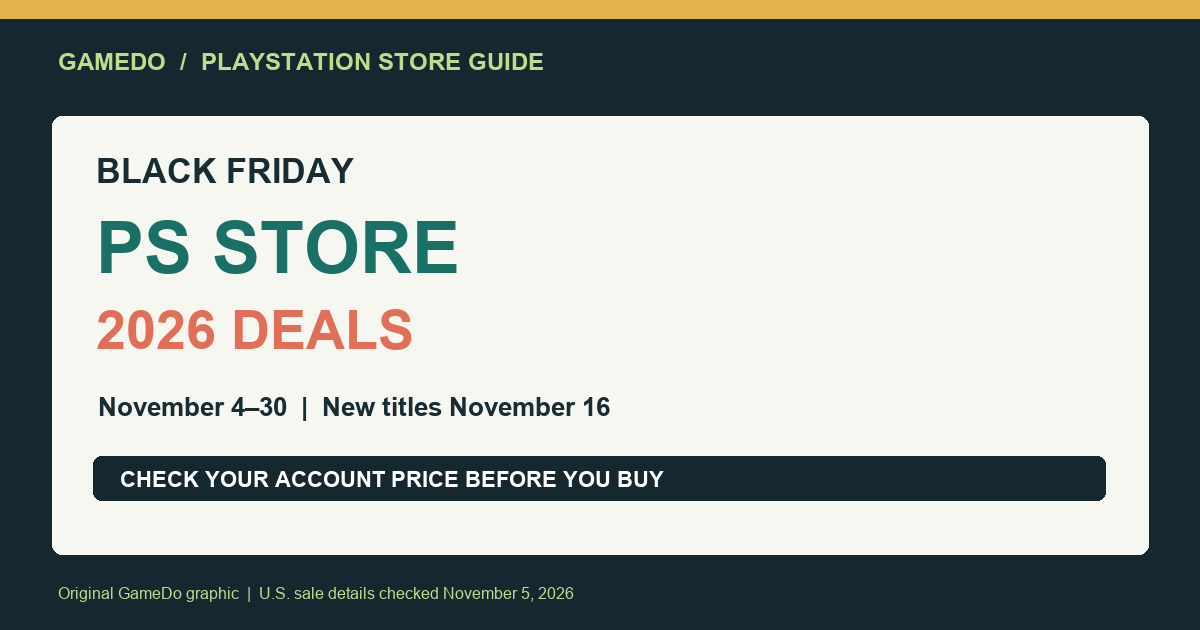
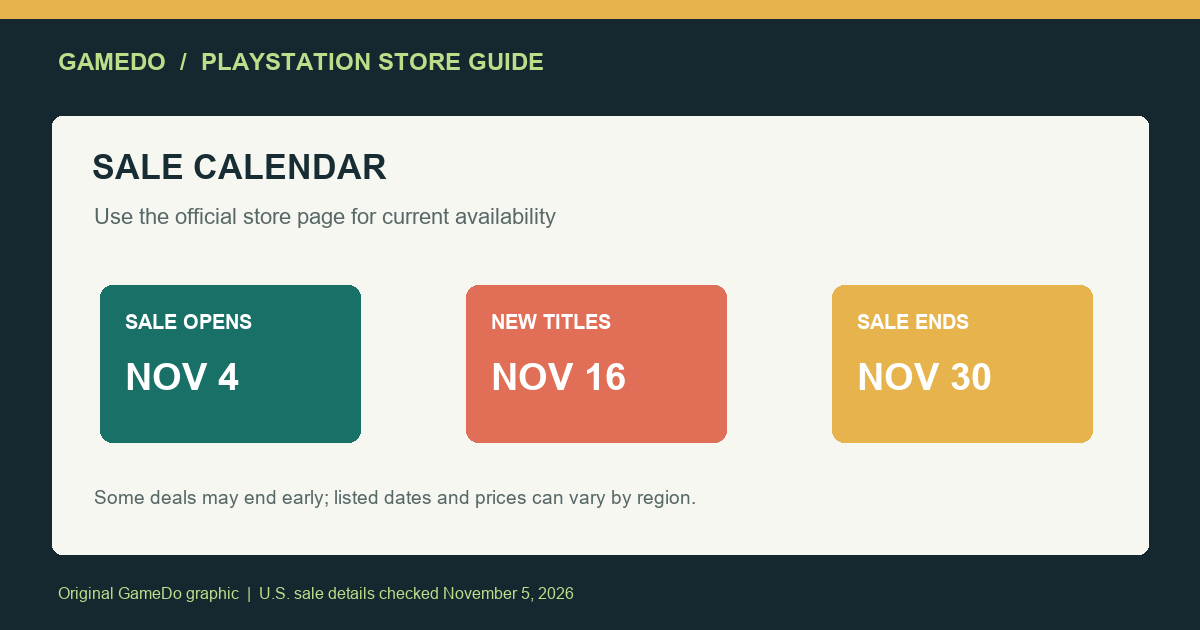
PlayStation Store’s Black Friday 2026 promotion began November 4 and is scheduled to run through November 30, with additional titles expected to join on November 16. Sony says the sale spans thousands of PS5, PS4, and PS VR2 games, expansions, and DLC, with discounts advertised up to 75%. For U.S. players, the practical challenge is checking the exact edition, account price, and end date before buying: prices can vary by region, and some deals may disappear before the promotion ends.
Sony’s November 3 announcement gives the calendar and a small preview, not a definitive price list for every account. Push Square reported on November 4 that the sale had gone live with more than 2,200 PS5 discounts. That provides a useful sense of scale, but it does not mean every U.S. account sees identical offers or that every game is discounted by the maximum percentage.
Quick facts for U.S. shoppers
- Sale begins: November 4, 2026.
- Scheduled end: November 30, 2026.
- Mid-sale update: Sony says new titles join November 16.
- Advertised maximum: discounts up to 75%; not a typical or guaranteed discount on every title.
- Formats: PS5, PS4, and PS VR2 games, expansions, and downloadable content.
- Price caveat: Sony says prices may differ by region; check the offer displayed after signing into your own U.S. PlayStation account.
The start and end dates are the broad promotion window. They do not guarantee every individual deal remains available for all 27 days. Sony explicitly cautions that some items may leave before the promotion ends, so treat a price you want as something to verify now rather than a promise to revisit at the end of the month.
What Sony has confirmed about the sale
PlayStation’s official post, published November 3, says the Black Friday promotion starts the next day, Wednesday, November 4. The post advertises discounts of up to 75% across thousands of PS5, PS4, and PS VR2 games, expansions, and DLC. It also says new titles join on November 16 and the sale runs through Monday, November 30. Sony’s preview names selected products, but says the full discount list and prices would be shown on the dedicated PlayStation Store promotion page once the sale began.
That distinction matters when reading headlines. “Up to 75% off” describes the maximum advertised reduction, not the sale’s average discount. A preview list is not the full catalog. And a title appearing in a regional promotion does not mean the same edition, price, or eligibility will appear in every country or for every account. Use the logged-in U.S. store page as the final authority for your own purchase.
How to shop without confusing editions
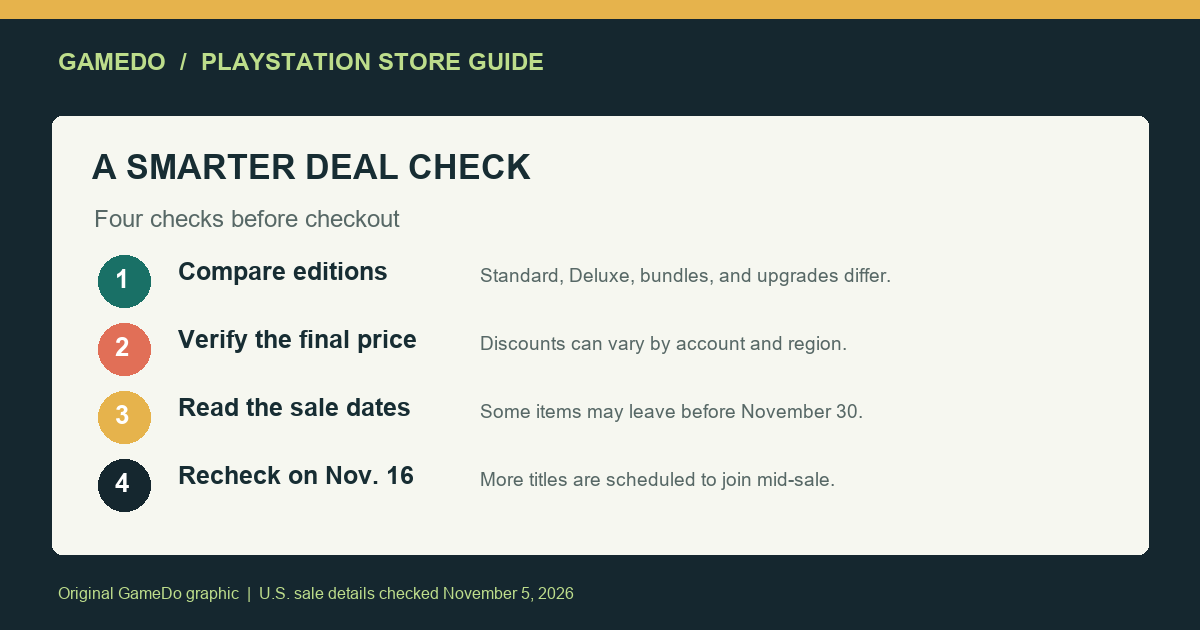
Start by searching for the exact game name in the PlayStation Store while signed into the account that will own it. Check whether the offer is for the standard edition, a deluxe edition, a complete edition, a bundle, an add-on, or an upgrade. Those can share similar cover art and title text while including different content. If you already own the base game, an upgrade may be the best fit; if not, an upgrade-only listing may not include a playable base copy.
Look at the product detail page, not just a sale tile. Read the platform label and the included content list. A PS4 version and a PS5 version may be listed separately, and cross-generation bundles can have different terms. For games with multiple editions, compare the included expansions and bonuses against what you already own. Avoid buying duplicate DLC or a second copy simply because a bundle’s headline percentage looks larger.
For a game that supports both PS4 and PS5, verify what the listing actually provides. Do not assume that buying one platform version grants every other version, or that a discounted upgrade is free. The Store product page and purchase confirmation should name the entitlements included. If the wording is unclear, pause and check the publisher’s official description before completing the purchase.
Check the displayed price, not the headline percentage
Make a shortlist based on games you already intended to buy, then compare the displayed sale price with the regular price shown in your account. A large percentage is not automatically good value if the edition contains extras you do not want, the game is likely to remain in your backlog, or a better-fitting bundle is available. If you track prices, compare the same edition and platform over time; comparing a deluxe bundle with a standard edition can make the discount history misleading.
Regional price differences are not just currency conversion. Storefronts can apply different regional pricing, taxes, and promotion rules. Sony’s announcement explicitly says prices may differ by region. This guide does not quote specific sale prices because the official preview did not publish a complete, universal price table, and the user-facing price can differ by account region. The price shown on your U.S. PlayStation Store account is the relevant one.
Also check whether the displayed total includes tax at checkout. In the United States, sales tax treatment can depend on the buyer’s location. The Store’s final confirmation screen is the reliable point to review the amount charged, payment method, and exact product before authorizing a purchase.
Use the calendar, including the November 16 update
The sale’s scheduled window gives shoppers a reason to check the Store more than once. Sony says new titles join on November 16, midway through the promotion. If the game you want is not discounted on day one, that does not prove it will be added later; the announcement only says new titles join, not which titles or at what prices. Treat the mid-sale date as a reminder to recheck the official page, not as a guarantee about a specific game.
At the same time, the November 30 end date is not a reason to wait if an offer you already want is marked with an earlier expiry. Sony warns that some items leave before the sale ends. Each product page or promotion tile may carry its own end date. Record that date when you compare options, especially if you plan to wait for a weekend or payday.
Who should consider buying now?
Buy now if the title is already on your shortlist, the exact edition is right, the U.S. account shows a price you consider worthwhile, and the product page indicates the deal ends before your next planned check. A sale is most useful when it discounts something you intended to play, not when it creates urgency to buy games you would otherwise skip.
Wait and compare if you are unsure which edition includes the content you want, you already have a similar game in your backlog, or the current offer is not clearly better than a bundle you own. You can also revisit the Store on November 16 when Sony says more titles join, while remembering that no specific game is guaranteed to appear in that update.
Skip the deal if you are buying only because a countdown or percentage feels urgent. The right comparison is the value of the game to you at the price displayed for your account, not the advertised maximum discount across the entire event.
A simple comparison worksheet
For each candidate, write down the exact title and edition, platform, listed sale price, regular price, discount end date, included DLC, and whether you already own any part of it. This small check prevents several common mistakes: buying a DLC pack without the base game, paying twice for an upgrade, or comparing different editions as if they were the same item.
| Check | What to record |
|---|---|
| Product | Exact name and edition shown in the U.S. Store |
| Platform | PS5, PS4, PS VR2, or cross-generation bundle |
| Price | Current price and regular price shown to your account |
| Contents | Base game, expansions, add-ons, or upgrade entitlement |
| Deadline | Individual offer expiry, not only November 30 |
| Ownership | Whether you already own the game or included content |
Do not rely on screenshots of another person’s price unless you know their region and account conditions match yours. Store images can be useful for discovering a sale, but the account-specific product page and checkout screen should settle the price and entitlement details.
What the reported “2,200+ discounts” does and does not mean
Push Square reported on November 4 that the Store’s Black Friday sale was live with more than 2,200 PS5 discounts. This is a secondary outlet’s description of the sale’s scale, not an official promise that every title is available to every account. The number should not be read as 2,200 newly discounted games, 2,200 top-rated games, or 2,200 offers available for the entire event; catalogs can include editions, add-ons, and regional variations.
The official Sony announcement is the stronger source for dates, formats, the up-to-75% headline, and the November 16 additions. Push Square’s report adds a useful independent snapshot of how extensive the live PS5 promotion appeared on launch day. Neither source provides a universal guarantee about the price you will see, and neither substitutes for the actual listing in your account.
Black Friday checklist
- Sign into the U.S. PlayStation account that will make the purchase.
- Search for the exact title and compare editions, platform, and included content.
- Record the sale price shown to your account, not a price from another region.
- Check the offer’s own expiry date because some deals may leave before November 30.
- Revisit the official promotion page on November 16 for the titles Sony says will be added.
- Review the final checkout total, payment method, and product entitlement before confirming.
Bottom line
PlayStation’s 2026 Black Friday sale runs from November 4 through November 30, with a scheduled wave of additional titles on November 16 and advertised discounts up to 75%. The official announcement makes the dates clear, but not every price or every account’s offer. The best U.S. shopping approach is to shortlist games you actually want, compare the exact editions in your signed-in Store, and note each offer’s own deadline. The sale’s scale is useful; the account-specific listing is what should decide whether you buy.
Sale details checked November 5, 2026. Dates and availability can change; confirm the live offer in the PlayStation Store.
Sources
- PlayStation Blog: PlayStation Store’s Black Friday Deals 2026 (November 3, 2026).
- Push Square: PS Store Black Friday Sale Live Now with 2,200+ PS5 Discounts (November 4, 2026).
Match the purchase to how you play
Before buying a digital game, consider where you expect to play it. If you split time between a PS5 and a PS4, read the product description carefully to see whether the discounted item includes both versions or only one. If you use a PS VR2 headset, distinguish a native VR game from a standard game that has no VR mode; a sale category alone does not guarantee headset compatibility. Check the official product page for supported features, languages, accessibility options, and any online requirements that matter to your setup.
For multiplayer games, check whether online play requires a separate subscription and whether the friends you plan to play with own compatible versions. A low sale price can be less attractive if it is for an edition that excludes the expansion or mode your group uses. These are product-specific details and cannot be inferred from Sony’s event-wide announcement.
Keep the sale in perspective
Black Friday promotions are one opportunity to buy, not the only one. Sony’s post does not say that every offer is the lowest price a game will ever reach, nor does the percentage alone provide a complete price history. If you are not ready to play a title, waiting may be the better financial choice even when the current price looks compelling. Keep your shortlist focused and compare like-for-like editions.
For parents and gift buyers, verify the age rating and account restrictions before purchasing. A discounted game can still be unsuitable for a child’s profile, and a digital purchase is associated with the purchasing account and applicable family settings. Make sure the correct account is signed in before checking out, particularly on a shared console.