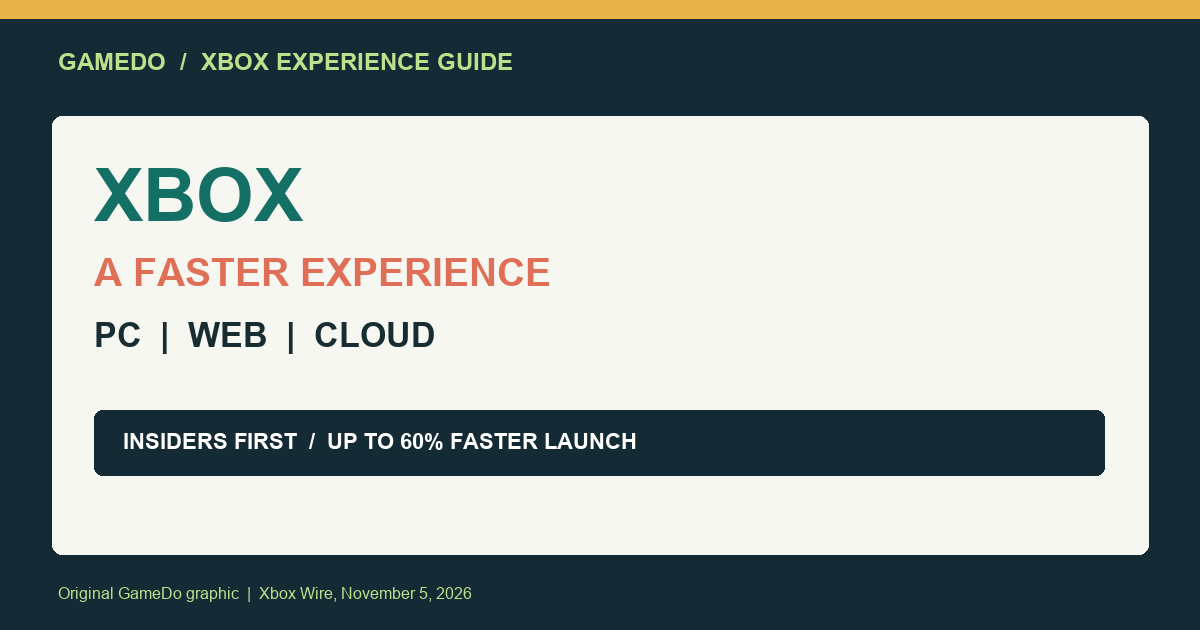
Xbox says a faster, simpler Xbox experience is rolling out across PC, the web, and cloud gaming. In an Xbox Wire announcement published November 5, 2026, Microsoft says Xbox Insiders can try an updated PC app that launches up to 60% faster, while a refreshed web experience is reaching more players and cloud gaming apps are receiving updates on supported TVs and VR headsets.
The important qualifier is rollout. This is not a promise that every Xbox user will see the same interface or speed improvement today. The PC app test starts with Xbox Insiders, the web changes are expanding to more players, and cloud updates depend on supported devices and availability. Here is what the announcement confirms, what the “60% faster” claim actually means, and how U.S. players can check whether the changes apply to them.
Quick answer: this is a staged Xbox experience update
Xbox describes the update as an effort to make the service faster, simpler, and more familiar wherever players use it. The announcement covers three connected surfaces: the Xbox PC app, the Xbox web experience, and Xbox cloud gaming apps on supported TVs and VR headsets. They are related parts of the wider Xbox experience, but they do not have identical release conditions.
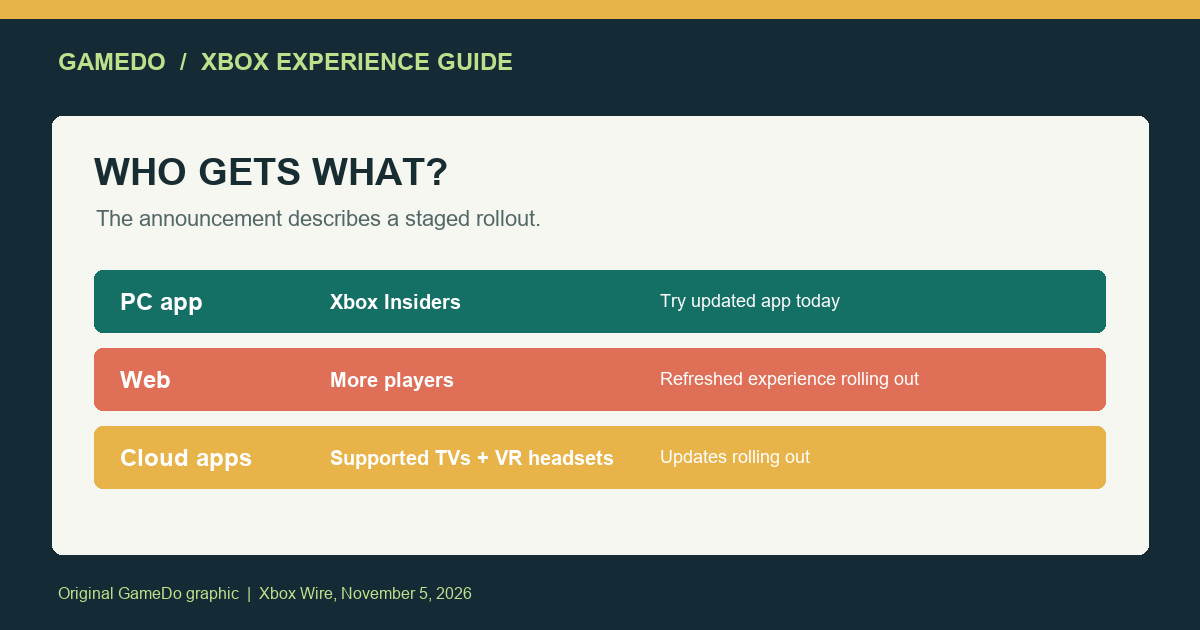
For PC, Xbox Insiders can try the updated app starting November 5. Microsoft says it launches up to 60% faster and is designed to make it easier to find games, connect with friends, and play. “Up to 60% faster” is a best-case performance claim from the announcement, not a guarantee that every PC will cut launch time by exactly 60%. Your results can depend on hardware, Windows configuration, network conditions, account state, and which app build you receive.
For the web, Xbox says the refreshed experience is coming to more players. The announcement does not give a single public date when every account will switch to the new design. For cloud gaming, Xbox says apps are being updated on supported TVs and VR headsets. Device support, app version, region, and account eligibility still matter.
What changes in the Xbox PC app?
The PC app update focuses on the routine actions players perform before a game launches. Xbox says the experience should make it easier to find games, connect with friends, and play. Those goals point to navigation and responsiveness improvements rather than a new game catalog or a change to Game Pass benefits.
The headline performance claim is the app launching up to 60% faster. That could matter most to players who frequently open the app to install a game, check a message, or jump into a title. It may also reduce friction for people who use the Xbox app as a launcher for Game Pass games and PC titles. But a faster app launch does not automatically mean a game downloads faster, a game boots faster, or cloud latency improves. Those are separate parts of the gaming experience.
Xbox Insiders should treat the new build as a test version. Preview software can contain bugs, incomplete features, or behavior that changes before a wider rollout. If your PC is used for work or you need a highly stable launcher, consider whether you want preview software on that system. The announcement’s purpose is to invite feedback and improve the experience, not to declare a finished universal release.
What should web users expect?
The refreshed web experience is aimed at making Xbox feel more consistent outside the dedicated PC app. A browser-based interface is useful when you are checking your library from a device where you do not want to install an app, looking up a game, or using Xbox cloud gaming on a supported setup. Xbox says the refreshed web experience is coming to more players, which suggests an expansion rather than a single all-at-once switch.
Because the rollout is staged, two Xbox users can see different layouts for a while. A missing feature or older design does not necessarily mean your account is broken. It may simply mean the account has not been included in the current rollout group. Refreshing the browser, signing out and back in, or using a supported current browser can help with ordinary caching issues, but those steps cannot force an account-side rollout.
Do not confuse the refreshed web experience with a change to ownership or subscription access. The official announcement is about how players find and use Xbox services. It does not announce new Game Pass tiers, a new pricing plan, or a change to the rights attached to games you own.
Cloud gaming updates depend on the device
Xbox also says it is rolling out updates to cloud gaming apps on supported TVs and VR headsets. That matters for players who use a compatible television or headset as their main access point. The phrase “supported” is doing important work: not every TV model, operating system, headset, country, or account will necessarily receive the same app update at the same time.
Cloud gaming performance is also different from app launch performance. Even if the app opens quickly, stream quality still depends on your connection, Wi-Fi conditions, local congestion, controller input, and the cloud service available to your region. A faster front end can make the session easier to start without guaranteeing lower latency once a game is running.
If you use a TV or VR headset, check the device’s app store for the Xbox app update and compare the installed version with the current listing. If the app is not listed for your device, do not install an unofficial package or change account details to force access. Wait for official support in your region and use Microsoft’s supported device guidance.
How to check whether the PC preview applies to you
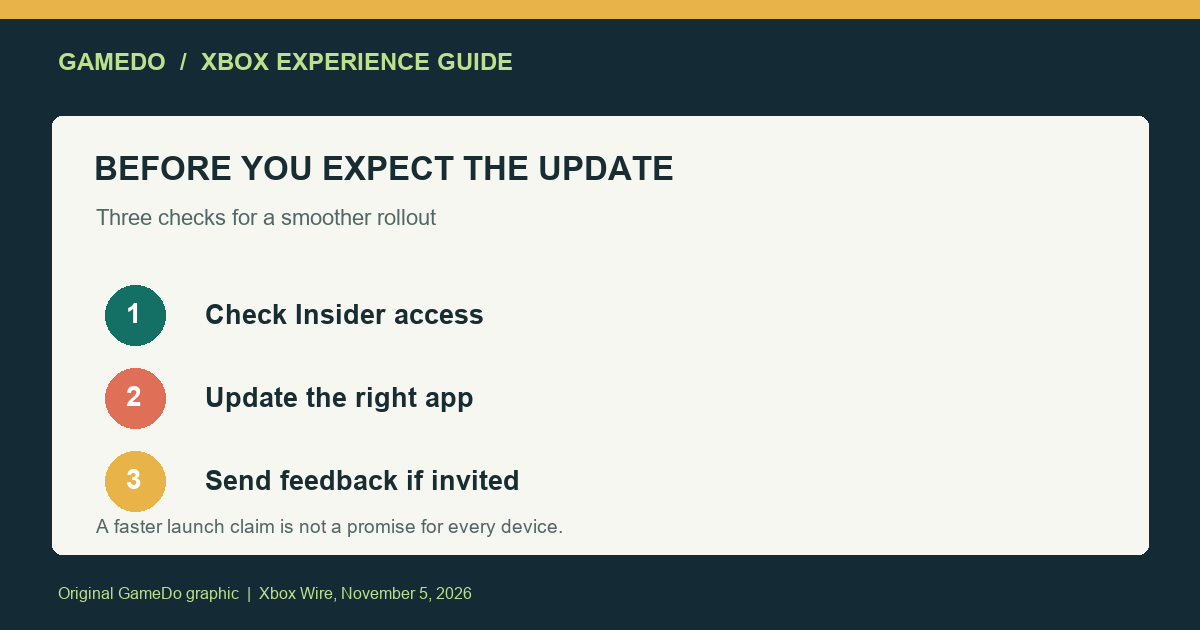
- Confirm your Insider status. The announcement specifically identifies Xbox Insiders as the group that can try the updated PC app. A standard Xbox account should not assume it has access.
- Open the official Xbox Insider channels. Look for the update through Microsoft’s official Insider process rather than a third-party download link.
- Update the Xbox PC app through the supported route. Do not rely on a screenshot or a file shared by another user as proof that the build is safe or intended for your account.
- Measure the right thing. Compare app launch time under similar conditions, but remember that “up to 60% faster” is not a guaranteed result for every PC.
- Send useful feedback. Include your Windows version, app version, hardware context, and what action was slow or broken.
Anecdotal reports can help identify bugs, but they are not a substitute for Microsoft’s rollout information. Avoid treating one person’s launch-time result as a universal benchmark. The official post gives the maximum claim and the intended use cases; it does not publish a full test methodology or a device-by-device performance table.
What this announcement does not change
Nothing in the announcement says that Xbox is changing the price of Game Pass, adding a new subscription level, or moving existing game licenses between accounts. It also does not announce a new console generation. The focus is the experience layer: app startup, discovery, social connections, web access, and cloud app updates.
That distinction is useful if you are deciding whether to change your hardware or subscription. A refreshed app may make an existing setup nicer to use, but it is not a reason by itself to buy a new PC, TV, headset, or controller. First check whether your current devices are supported and whether the update has reached your account.
Likewise, a smoother interface does not guarantee that every game has better performance. Game frame rate, loading behavior, server stability, and cloud latency belong to different systems. Keep those expectations separate when you test the new experience.
What U.S. players should watch during the rollout
For U.S. players, the most useful signals are the official app update, the account’s rollout status, and the supported-device listing. If the PC app is still slow, record whether the delay happens at launch, sign-in, library loading, or game startup. Those are different problems. If the web page looks unchanged, check whether Microsoft has announced wider availability rather than assuming the rollout failed.
Players using cloud gaming should check the device’s app store and Microsoft’s current supported-device information. A TV or headset can receive the app update on a different schedule from the PC app. The same household may therefore see the new experience on one screen before another.
Accessibility and usability feedback is especially valuable during a redesign. If a control is difficult to reach, text is hard to read, navigation is confusing, or a screen-reader flow breaks, report the specific path and device. “The new design is bad” is less actionable than a description of the exact screen and task that failed.
Is this a reason to join Xbox Insider?
It depends on your tolerance for preview software. Joining an Insider program can provide earlier access and a direct feedback route, but preview builds may be less stable than general releases. If you mainly want a dependable PC launcher, waiting for the broad release may be the better choice. If you enjoy testing software and can report issues clearly, the updated app may be worth trying.
Do not join simply because the announcement says “up to 60% faster.” The benefit is a claim to evaluate, not a guaranteed upgrade for every system. Keep a stable alternative available if the preview build causes a problem, and follow the official opt-in and opt-out instructions.
Bottom line
Xbox’s November 5 announcement is about reducing friction across the places players access Xbox. Xbox Insiders can try an updated PC app that Microsoft says launches up to 60% faster. A refreshed web experience is reaching more players, and cloud gaming apps are being updated on supported TVs and VR headsets. The rollout is staged, and the performance claim is not a promise that every user or device will see the same result.
The sensible approach is to check your official app channel, confirm your account and device eligibility, and test the task that matters to you. Treat the PC build as preview software, keep cloud performance separate from app startup speed, and use official support channels for updates. The new experience may make Xbox easier to use, but its real value will depend on how consistently the changes reach players and how well they perform on individual setups.
Facts checked against Xbox Wire’s November 5, 2026 announcement. Rollout availability and performance can change by account, device, region, and app version.
Sources
- Xbox Wire: A Faster, Simpler Xbox Experience Is Coming to PC, Web and Cloud (November 5, 2026).
- Xbox Wire: Preview Two New Ways to Play with Xbox Cloud Gaming (November 5, 2026).